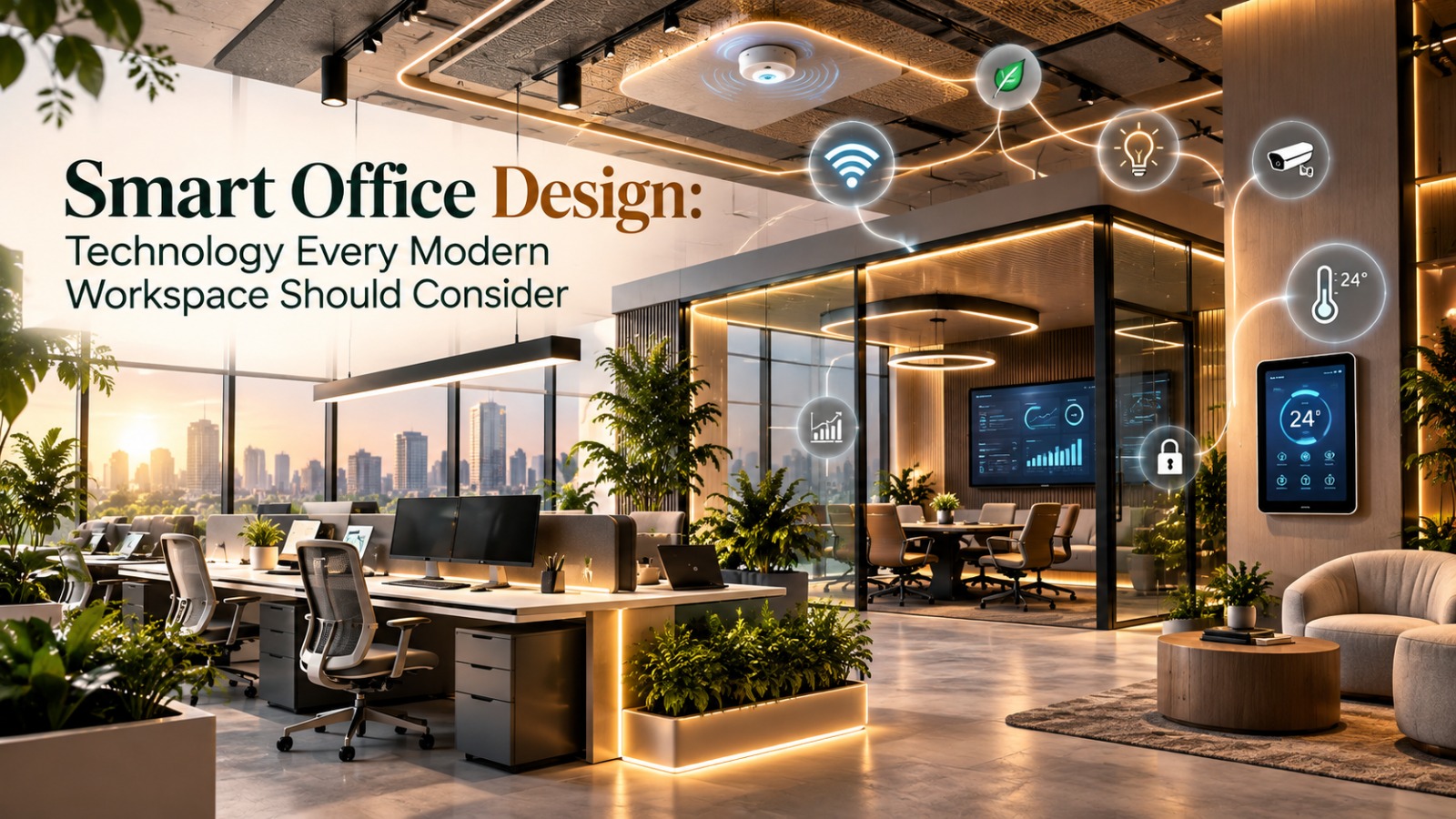

Smart Office Design: Technology Every Modern Workspace Should Consider
Smart Office Design is no longer limited to adding screens or automated lights. Modern workplaces increasingly use connected technology to improve communication, space management, comfort, security, and everyday efficiency. However, technology should support how people work rather than become a collection of expensive gadgets. The right solutions begin with business needs and workplace activities. Learn more about Microsoft’s approach to hybrid workplace technology and space management
Smart Meeting Rooms
A key part of Smart Office Design is creating meeting rooms that work equally well for in-person and remote participants. Cameras, microphones, speakers, displays, wireless presentation systems, and room controls can simplify hybrid meetings. Microsoft recommends designing meeting spaces around audio, video, room layout, and infrastructure so participants can communicate clearly. Therefore, technology should be planned alongside furniture and acoustics. Read Microsoft’s meeting room planning guidance
Desk and Room Booking
Smart Office Design can also make shared workplaces easier to manage through digital booking systems. Employees can reserve desks, meeting rooms, focus spaces, or other shared facilities from an app or workplace platform. This is particularly useful for hybrid teams because available spaces can be matched with changing attendance patterns. As a result, businesses can make better use of their existing floor area. Explore Microsoft Places for desk and room booking
Occupancy and Space Sensors
Sensors are another consideration for Smart Office Design. Occupancy technology can provide information about how rooms and work areas are being used. These insights can help organisations identify underused spaces and understand changing workplace patterns. Moreover, occupancy data can support decisions about layouts, room sizes, cleaning schedules, and future expansion, provided privacy and data-governance requirements are addressed. Learn about workplace occupancy and utilization insights
Smart Lighting and Climate Control
Lighting and environmental controls can make Smart Office Design more responsive. Occupancy sensors, daylight controls, programmable lighting, and connected HVAC systems can help manage workplace conditions. Employees may also benefit from adjustable settings in appropriate spaces. Furthermore, automated systems can support more efficient building operations when they are properly configured and maintained. Read the U.S. Department of Energy’s guidance on connected lighting and HVAC systems
Technology-Enabled Collaboration
Modern Smart Office Design should provide technology that makes collaboration easier beyond traditional conference rooms. Interactive displays, digital whiteboards, wireless content sharing, and cloud-based collaboration tools can connect physical and remote teams. Instead of designing technology around one fixed room format, businesses can create different collaboration settings for presentations, workshops, quick discussions, and creative sessions.
Strong Connectivity and Infrastructure
Reliable infrastructure is the foundation of Smart Office Design. High-speed Wi-Fi, sufficient power outlets, structured cabling, network capacity, and strategically placed charging points should be considered early. Otherwise, even sophisticated workplace technology can become frustrating to use. Therefore, infrastructure planning should happen before furniture, partitions, and finishes are finalised. Read Cisco’s overview of network infrastructure for hybrid workplaces
Read more: https://morphoraspaces.com/premium-office-big-budget-myth-vs-reality/
Security and Access Technology
Security is another essential element of Smart Office Design. Access-control systems, visitor management, device security, surveillance where appropriate, and secure networks can help protect people, equipment, and information. However, businesses should balance convenience with privacy and cybersecurity requirements. Technology should be selected according to organisational risk, regulations, and the sensitivity of workplace data. Read NIST guidance on physical access controls
Flexible Technology for Changing Needs
Smart Office Design should also anticipate change. Modular meeting technology, wireless systems, movable displays, adaptable power solutions, and scalable networks can make workplaces easier to update. Additionally, flexible systems reduce the need for major redesigns when teams grow or working patterns change. Explore Microsoft’s guidance on planning scalable workplace technology
Choosing Technology Strategically
The most effective Smart Office Design is not necessarily the one with the most technology. Businesses should first identify recurring workplace problems and then select solutions that address them. Consider ease of use, maintenance, integration, security, accessibility, scalability, and total cost before purchasing. Ultimately, technology should disappear into the workplace experience, helping people work, meet, communicate, and manage space more effectively. A thoughtful technology strategy can evolve with the business while keeping the environment comfortable, intuitive, cohesive, and accessible for all.